
You need DNSBOX if:
- Your DNS, DHCP and IP Address Management (DDI) admin takes a lot of time and effort
- You want more control over your IP address space usage
- You want to ensure these core network services are secure and available
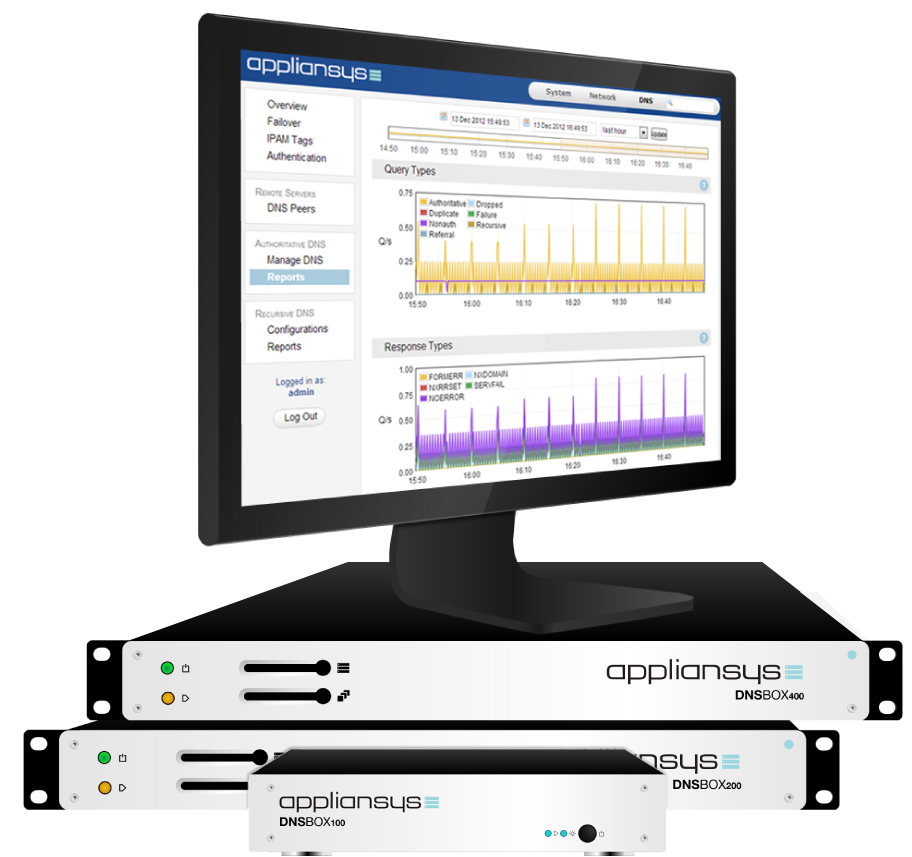 DNSBOX is a range of DDI appliances – with a variety of different models for different tasks – combining the benefits of enterprise-class DDI management software with the security, reliability and ease-of-use of the appliance format.
DNSBOX customers come in all shapes and sizes: Global 100, governments/public sector, service providers and SMEs around the world use DNSBOX because it makes DDI much easier, saves money and means they have less to worry about.
These customers needs vary:
- Many are looking for an end-to-end fully integrated DDI solution
- Others are looking to solve a narrower issue:
- maybe only one of DNS, DHCP or IPAM
- maybe just to fix a local DNS or DHCP server issue in a specific location
Whatever their needs, customers choose DNSBOX because, compared with alternatives, it is:
- Simpler – saving time and money on deployment, training and administration
- Rock-solid – making your DDI more secure, reliable and robust
- More flexible – with options to better fit each user’s specific requirement
- Comes with outstanding service – to make your life easier
- More affordable – saving on capex
 |